
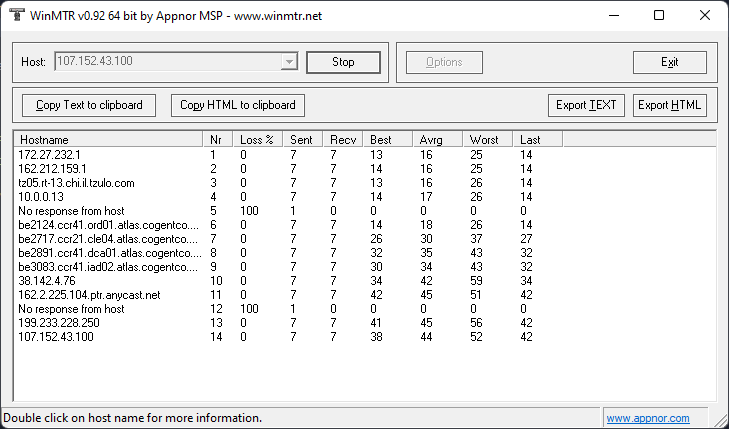
Generally there are two possibilities for you unable to ping your server IP address:
1 - You have a firewall inside your server which is causing this
2 - There is a routing issue.
Assuming you have now checked your firewall settings and made sure it is not causing this, you now need to
provide us with an MTR report so we can examine it:
- For Windows, download MTR from this link. Unzip and run WinMTR.exe. In the Host box put your IP address and click Start. Let it run for 2 minutes, then click the Export TEXT button and save the text file. You will need to provide our support with that file.
- To install MTR on MacOS follow the steps outlined in this article.
- Proceed to open a ticket on our Technical Support helpdesk and provide us with the MTR information